Thoughtful notes.Effortless flow.
Write by hand, mark up PDFs, record the lecture while you take notes, then turn any of it into a summary, a quiz or a deck of flashcards. One workspace, and it keeps working offline.
Free to startNo app store neededWorks offline
Vector ink
Erase one stroke from a page you wrote last term. Nothing is ever flattened.
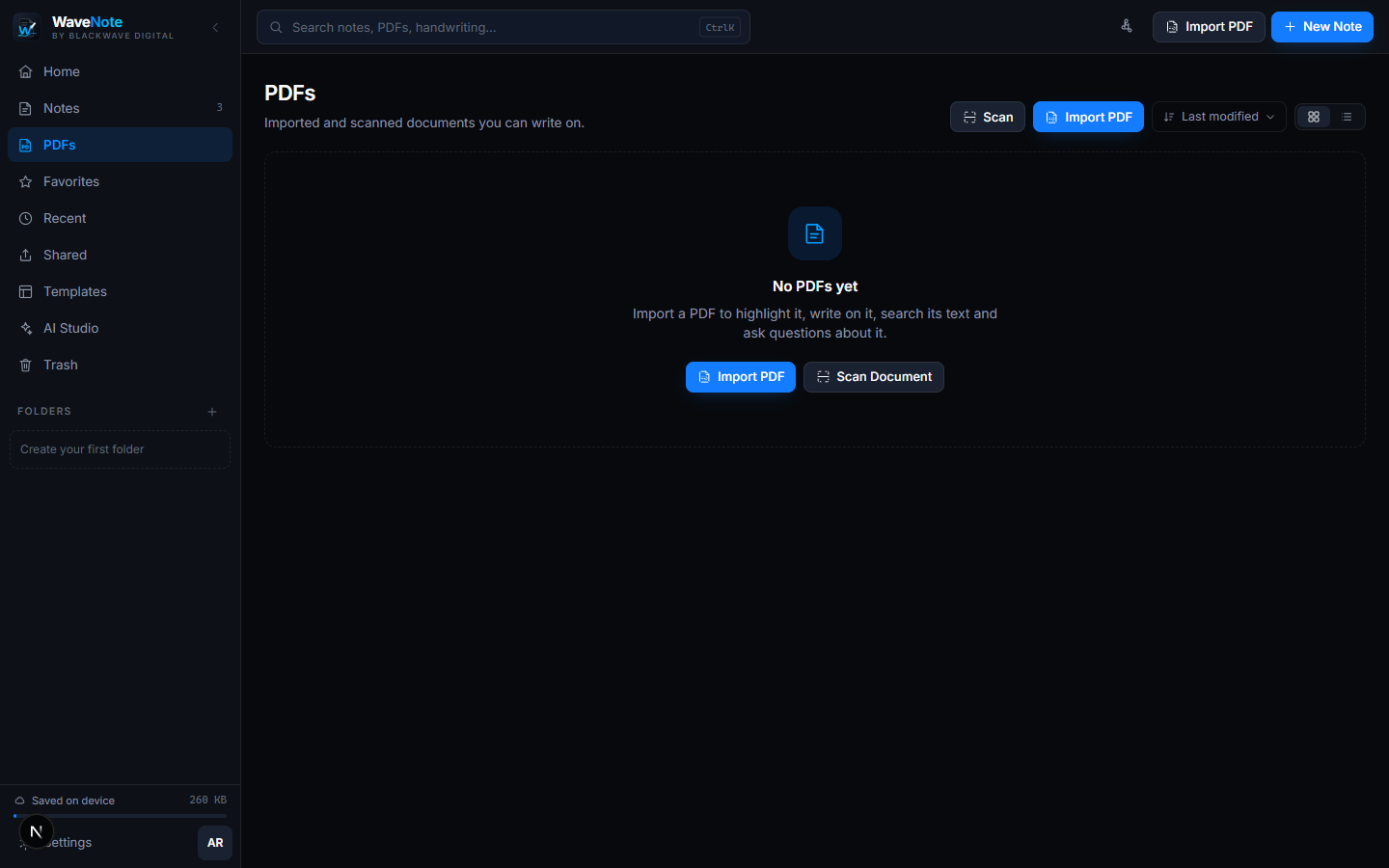
Real PDF markup
Annotations export into the file, on the right page, at the right size.
Offline first
Every feature keeps working with the network off.
[ 002 ]One workspace
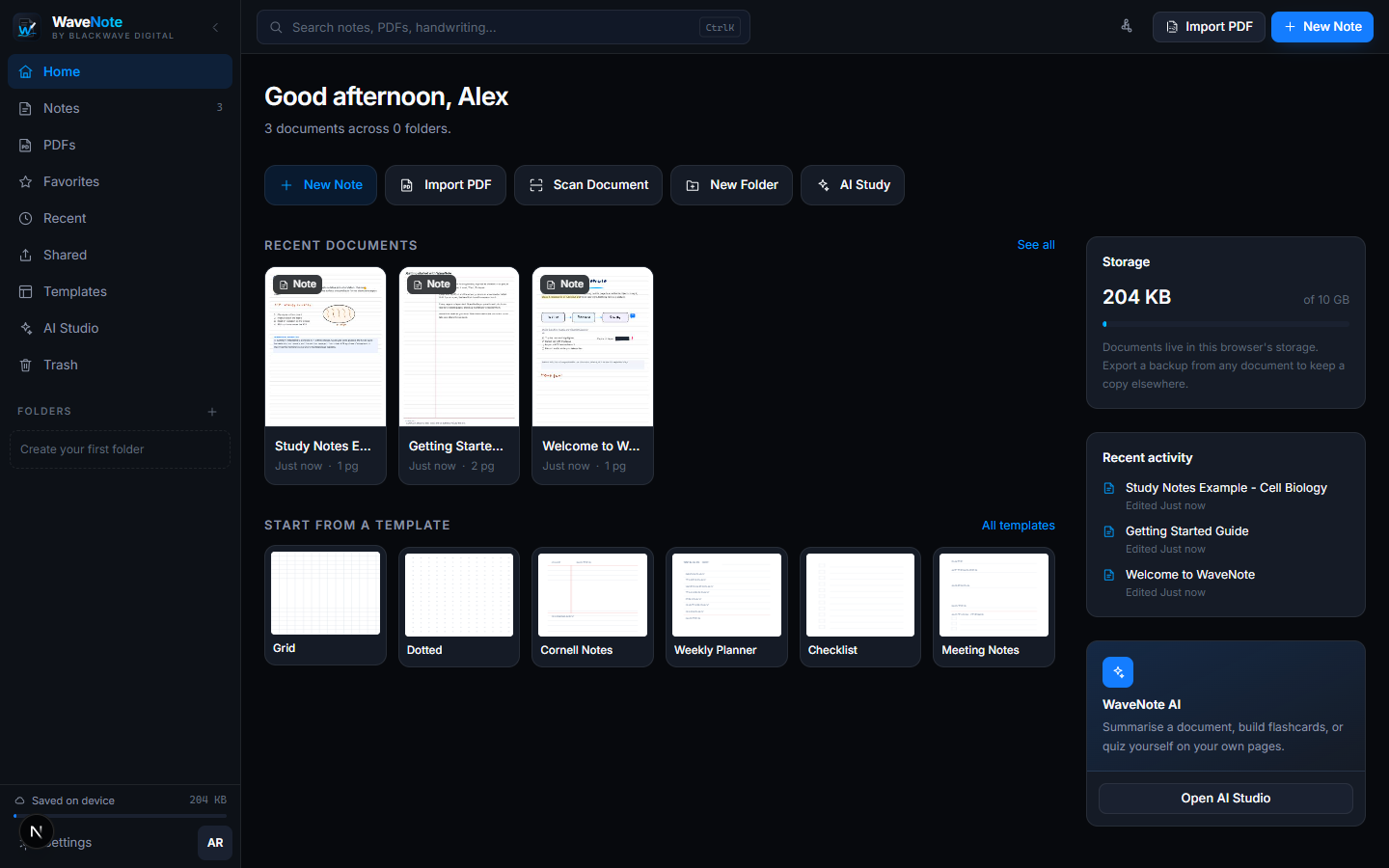
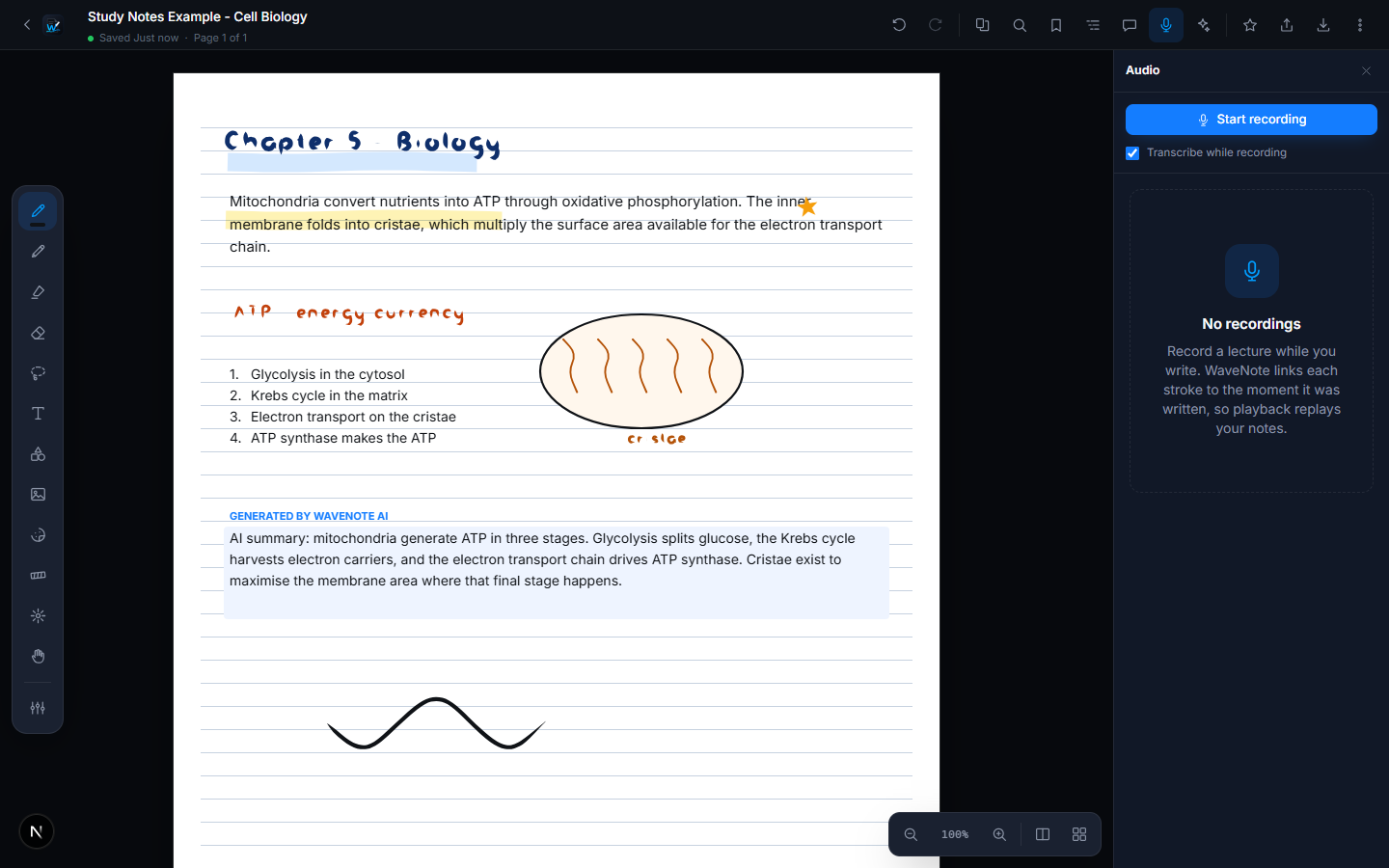
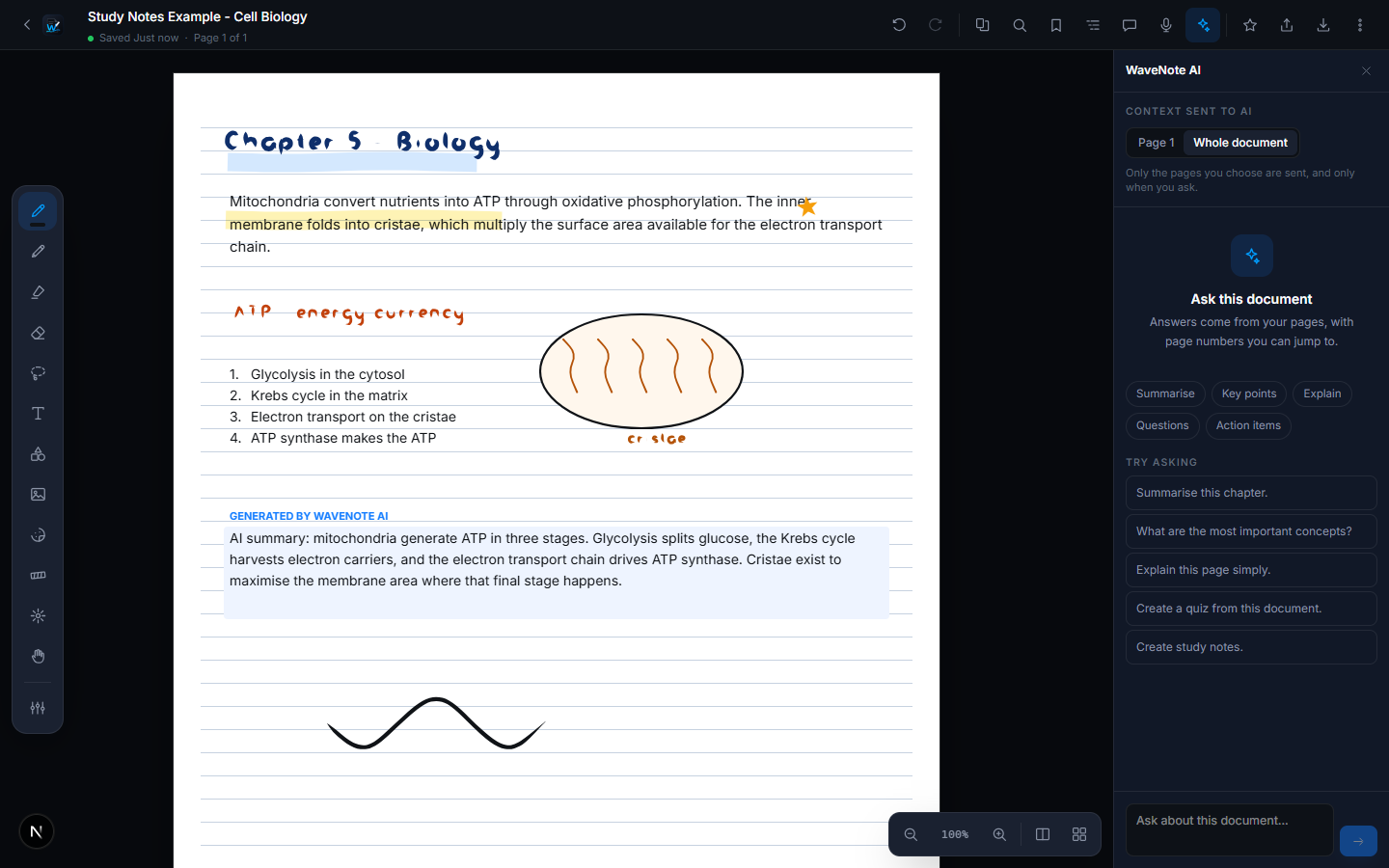
Everything a page has to do
Four jobs that usually mean four separate apps, sharing one document, one search index and one library.
[ 003 ]The ink engine
Not a picture of your handwriting
That stroke is being drawn right now by the same engine the editor uses. Every point carries its own pressure, the outline is solved from those points, and the result stays a vector object you can erase, move, recolour or scale months later.
- 120
- undo steps kept
- 0
- pixels flattened
- 60fps
- while writing
engine
perfect-freehand
thinning
0.62
streamline
0.42
output
vector path
[ 004 ]The rest of it
The parts you only notice when they are missing
One search across everything
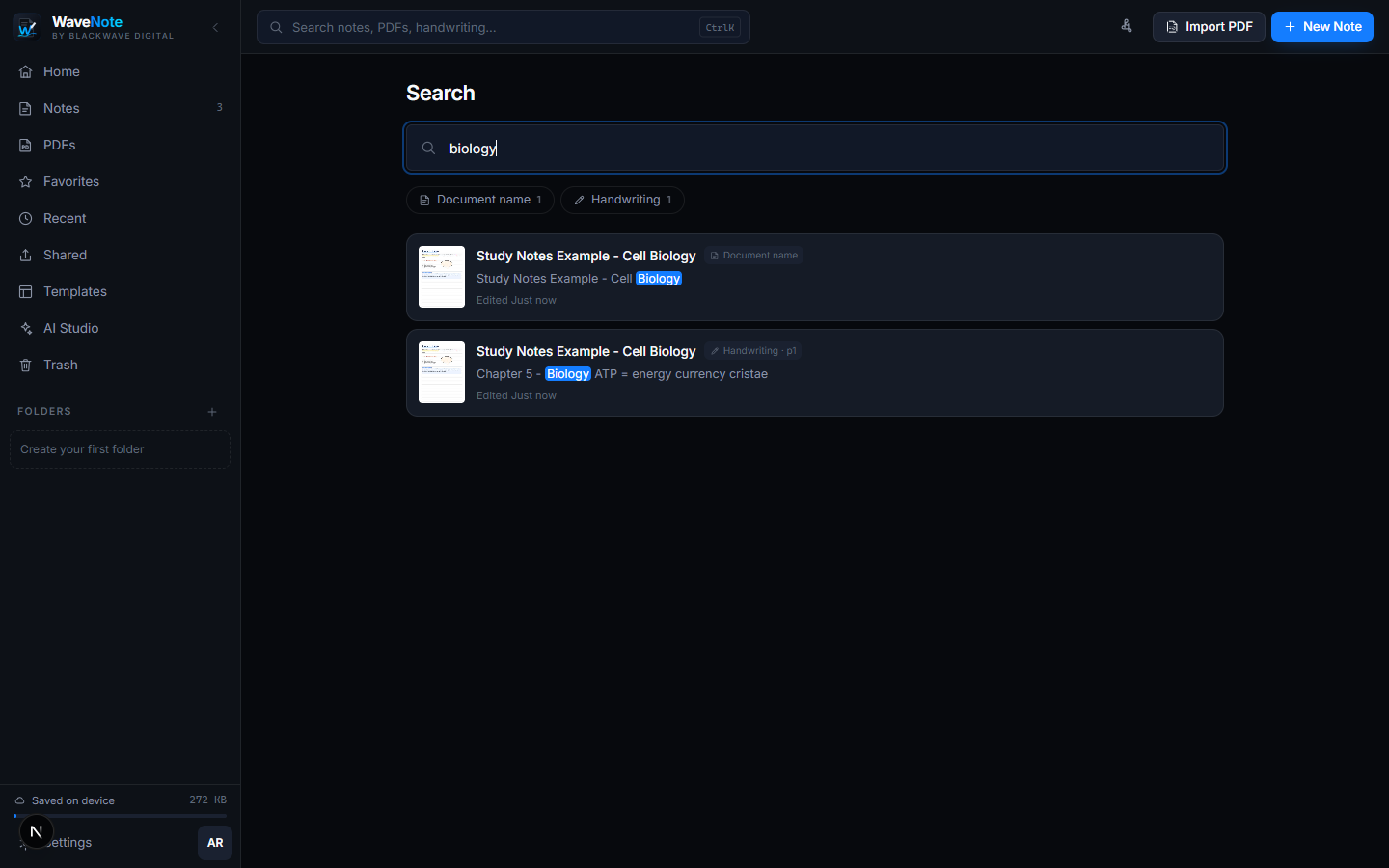
Typed notes, handwritten pages and the text inside imported PDFs all land in the same index, so one box finds all three.
Offline by default
Everything is stored on the device first. Lose signal mid-lecture and nothing stops.
Organisation that scales
Nested folders, favourites, pinning and tags, with drag and drop that behaves the way you expect.
Share a read-only link
Send a page or a whole notebook without making anyone create an account to open it.
Version history
Roll a page back to how it looked before you reorganised it at midnight.
Built for the keyboard
Every tool has a shortcut, and the command palette reaches anything you have not learned yet.
[ 005 ]Get WaveNote
Install it on everything you write on
WaveNote installs straight from your browser, so there is no store queue and no separate build to keep updated. Pick a device and it will either install on the spot or show you the two taps it takes.
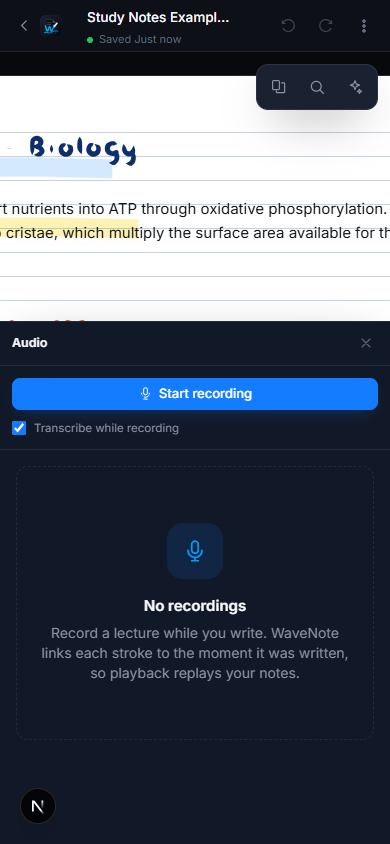
The same app on every screen
There is no cut-down mobile version. The phone build has the same editor, the same PDF engine and the same library as the desktop one, laid out for a smaller screen and a thumb. Start a note on a laptop, finish it on a tablet, check it on a phone on the way home.
[ 006 ]Answers
Common questions
The ones worth answering before you install anything.
Start your first page
Free to start, nothing to install if you do not want to, and your notes are yours from the first stroke.
Free to startNo app store neededWorks offline